Your Safety Library2024-11-13T17:27:25-04:00

Your Safety Library

From software to safety these are the top questions

Videos

Body placeholder for text paragraph. A paragraph is a self-contained unit of text
Featured FAQs

Frequently Asked Questions

Check out the answers to frequently asked questions about the Smart Safety Lockout Tagout software program.

What if I don’t have WiFi near the machine?2025-12-23T10:33:19-04:00

No WiFi? No worries.

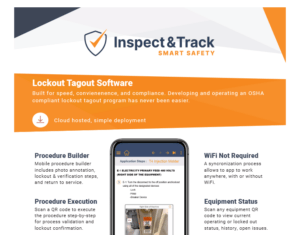
Our app works while disconnected from WiFi with a built-in synchronization process that seamlessly transfers your data back and forth between the mobile app and the web portal.

Can I edit a procedure after it is submitted?2025-12-23T10:42:24-04:00

After a procedure has been submitted for approval, the approver is able to make edits until the final approval. When a procedure is in an approved status it cannot be edited.

If things change or edits are determined to be needed during a periodic inspection, a procedure can be unapproved. This allows the procedure to be modified as needed and then submitted for reapproval.

This is a quick process that does not require starting over with a new procedure. When a procedure is revised, it is assigned a new ID number and QR code to ensure version tracking and undisrupted history data.

How do I create a procedure report to attach to the machine?2025-12-23T10:41:32-04:00

With the Smart Safety Pro lockout tagout app, a procedure is written at the machine using the 100% mobile procedure builder. Once complete, it is available for viewing on the main procedure dashboard.

The steps of the procedure are automatically compiled into a beautiful custom branded report, and include Scope, Purpose, and Authorization; application steps, equipment pictures, energy identification and isolation instructions, and return to service steps.

No extra formatting is required – simply press the print button and attach the report to each machine.

How do I return the machine to service?2025-12-23T10:32:40-04:00

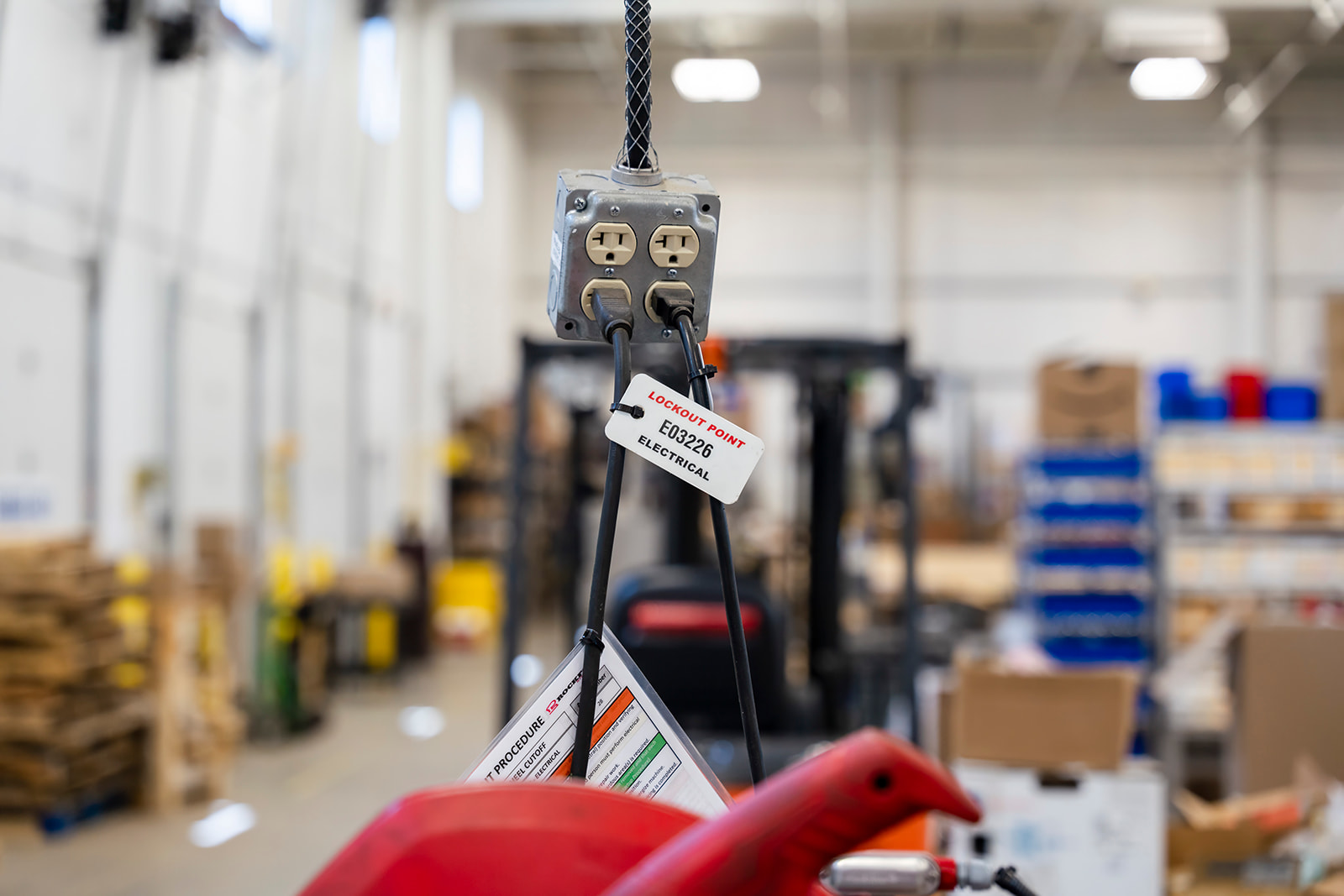
When a machine is in a lockout or minor servicing status, scanning the procedure or energy source QR code launches the digital return-to-service process.

Using the same method as the lockout, the return-to-service steps are displayed one at a time on the screen and the authorized employee validates that each step is completed successfully.

When the return-to-service status is finalized, the real-time equipment status returns to operating.

From the Blog

Latest Stories & Articles

Our blog offers valuable information about LOTO regulations, LOTO compliance, LOTO program development, LOTO best practices, and LOTO software.

Go to Top