Your Safety Library2024-11-13T17:27:25-04:00

Your Safety Library

From software to safety these are the top questions

Videos

Body placeholder for text paragraph. A paragraph is a self-contained unit of text
Featured FAQs

Frequently Asked Questions

Check out the answers to frequently asked questions about the Smart Safety Lockout Tagout software program.
Is training offered?2025-12-23T09:57:17-04:00

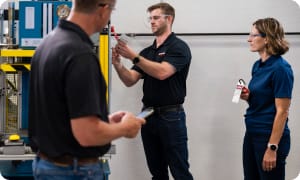
The Smart Safety Pro lockout tagout software is easy to set up and can be used to start new or convert an existing lockout tagout program to a digital platform. Software training is available if needed, and an online knowledge base offers detailed instructions for using the software.

For companies who require OSHA training for authorized employees or assistance with procedure writing and understanding compliance, our partnership with safety consultants Rockford Systems offers onsite consulting services and expert software training combined.

What happens when a periodic inspection determines that changes to the procedure are required?2025-12-23T09:55:38-04:00

When it is necessary to change a procedure, the procedure can be unapproved and edited.

Changes can then be made to the existing procedure without having to start over. This includes editing image annotation and isolation steps.

After the changes are complete, the procedure is submitted for approval and assigned a new procedure ID number.

Do I need to use a desktop computer to create a procedure?2025-12-23T10:42:57-04:00

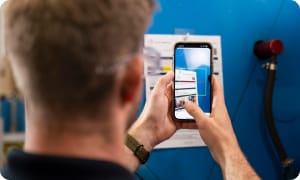
No. The lockout tagout app includes a 100% mobile LOTO procedure builder.

Procedures are written right at the machine for better accuracy and efficiency. Users can add energy sources, take and annotate images, and add verification and return to service steps all on the mobile app.

How do I create a procedure report to attach to the machine?2025-12-23T10:41:32-04:00

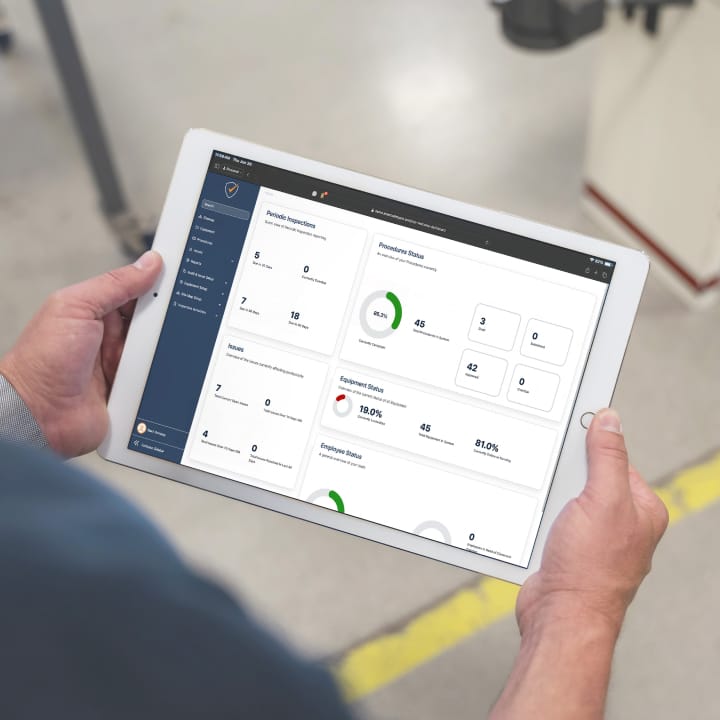
With the Smart Safety Pro lockout tagout app, a procedure is written at the machine using the 100% mobile procedure builder. Once complete, it is available for viewing on the main procedure dashboard.

The steps of the procedure are automatically compiled into a beautiful custom branded report, and include Scope, Purpose, and Authorization; application steps, equipment pictures, energy identification and isolation instructions, and return to service steps.

No extra formatting is required – simply press the print button and attach the report to each machine.

From the Blog

Latest Stories & Articles

Our blog offers valuable information about LOTO regulations, LOTO compliance, LOTO program development, LOTO best practices, and LOTO software.

Go to Top