Your Safety Library2024-11-13T17:27:25-04:00

Your Safety Library

From software to safety these are the top questions

Videos

Body placeholder for text paragraph. A paragraph is a self-contained unit of text
Featured FAQs

Frequently Asked Questions

Check out the answers to frequently asked questions about the Smart Safety Lockout Tagout software program.
Can I limit what users have access to?2025-12-23T09:59:18-04:00

Yes. The Smart Safety Pro lockout tagout software has built in user permission groups to ensure users only perform functions that they are authorized to do.

The user groups allow or block the ability to create procedures, approve procedures, perform periodic inspections, perform machine lockout tagout events, or run reports.

Admins have complete control over who is given access to various software. This ensures that only authorized employees have the ability to use the lockout tagout software to perform a digital lockout.

Can I use digital lockout for minor servicing?2025-12-23T10:43:24-04:00

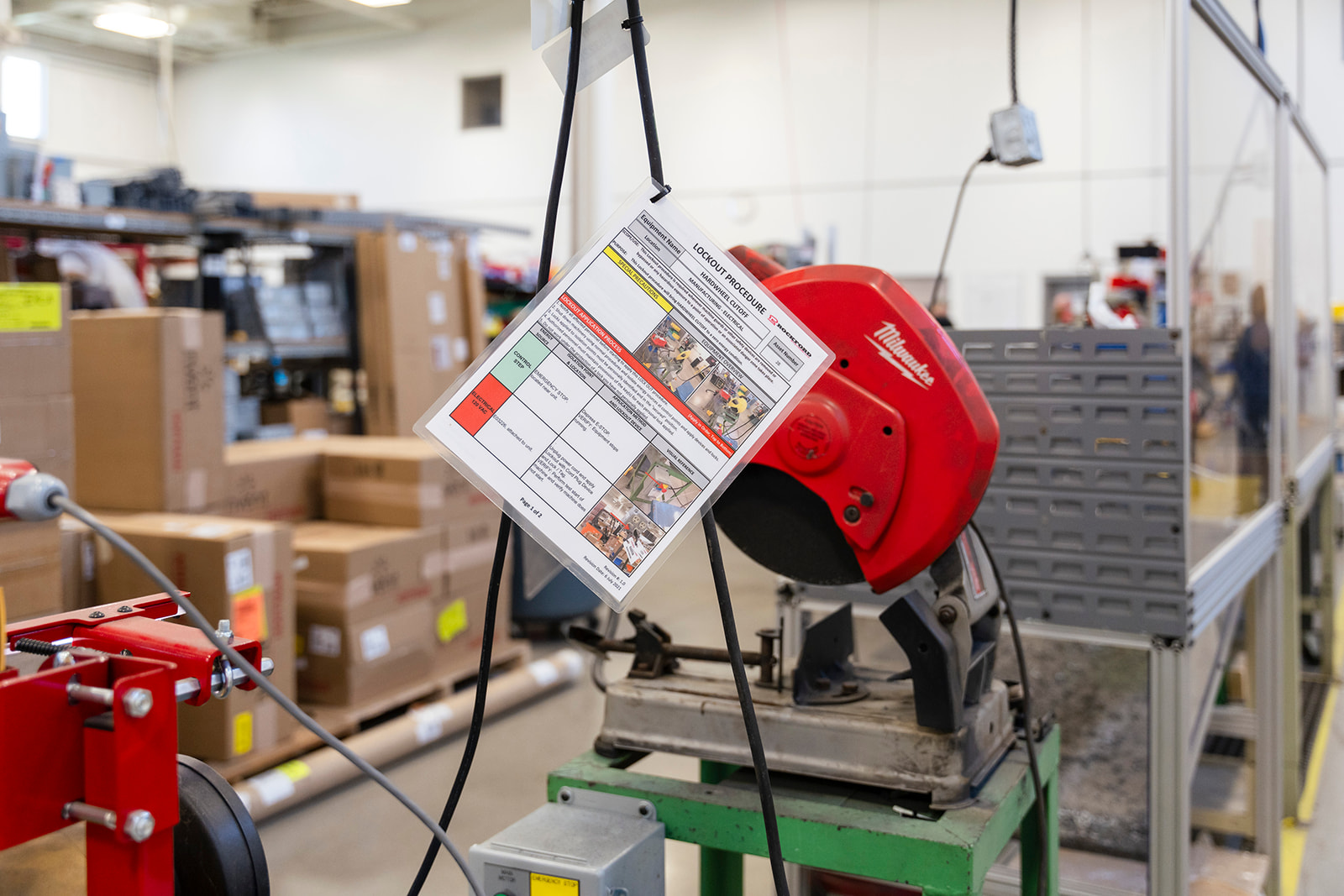
Yes. The Smart Safety Pro lockout tagout app includes a minor servicing module.

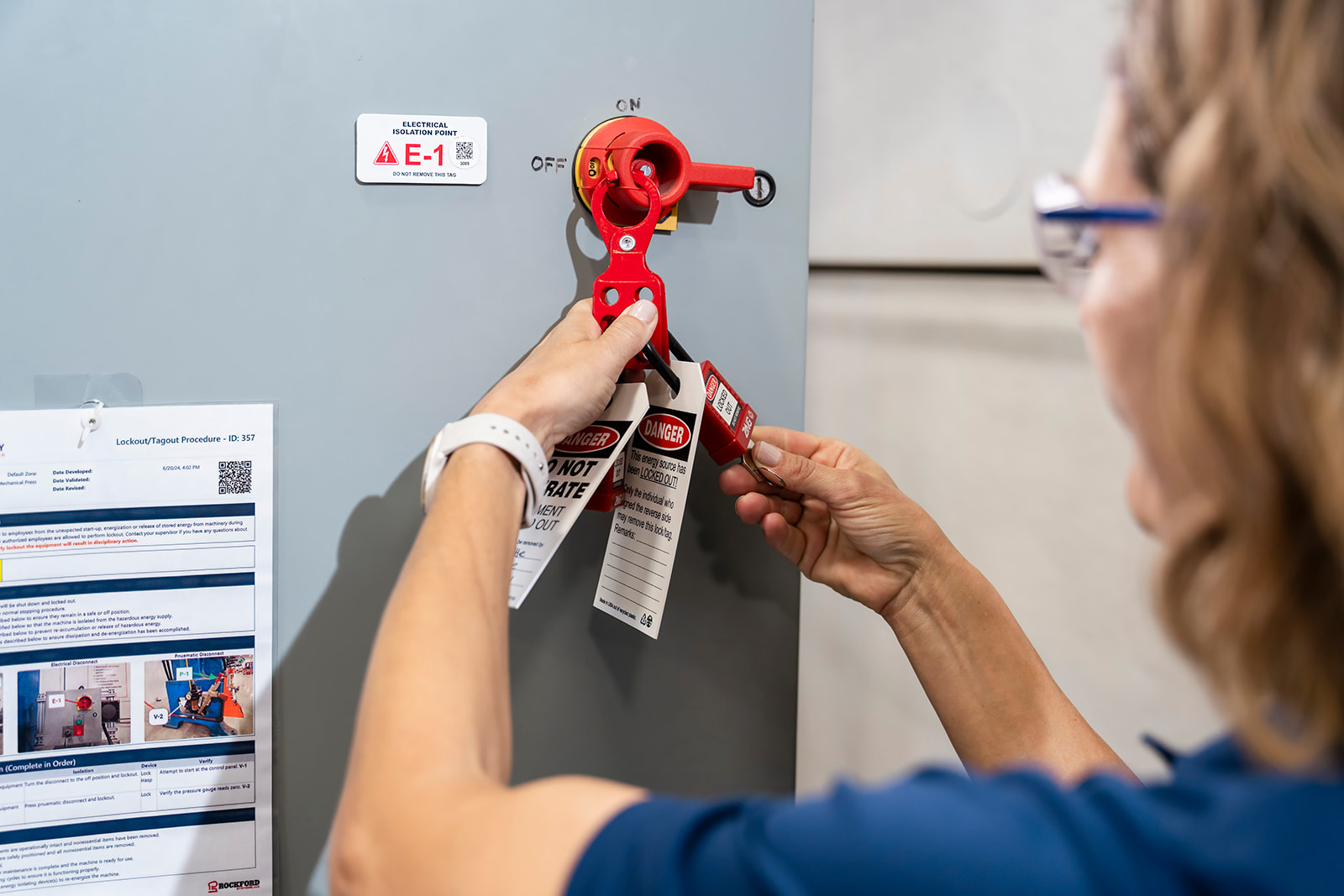
With this module, QR codes can be applied to individual energy sources. Scanning an energy source QR code launches a mini-procedure and changes the equipment status on the dashboard to minor servicing.

Do I need to print and file periodic inspection records?2025-12-23T09:56:11-04:00

No. The lockout tagout software portal stores all periodic inspections in the database permanently. Periodic inspection reports can be run on-demand as needed.

During an OSHA audit, periodic inspection data can be produced for any equipment criteria and any date range at the click of a button.

Do I need to buy special scanners or hardware to use Smart Safety LOTO?2025-12-23T09:57:56-04:00

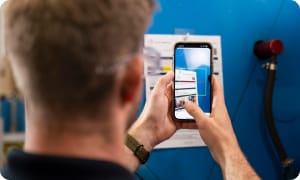
No. The Smart Safety Pro lockout tagout app can be downloaded from the public app store onto any device running Android or iOS. It works on cell phones and tablets, and scans barcodes with the device’s camera.

For companies with strict security requirements, the app should be installed on an enterprise grade mobile computer. This is a handheld device with an integrated laser scanner. It can be locked down to disable camera, bluetooth, WiFi, and any other prohibited feature.

Intrinsically safe mobile computers are also available for performing lockout tagout operations in C1D1 or C2D2 flammable environments.

From the Blog

Latest Stories & Articles

Our blog offers valuable information about LOTO regulations, LOTO compliance, LOTO program development, LOTO best practices, and LOTO software.

Go to Top