Your Safety Library2024-11-13T17:27:25-04:00

Your Safety Library

From software to safety these are the top questions

Videos

Body placeholder for text paragraph. A paragraph is a self-contained unit of text

Featured FAQs

Frequently Asked Questions

Check out the answers to frequently asked questions about the Smart Safety Lockout Tagout software program.
Can I manage multiple sites in one system?2025-12-23T09:58:32-04:00

Yes. Within the Smart Safety Pro Lockout Tagout software, companies can add multiple sites to their operations.

The customizable site map allows sites to be kept separate. The divisional hierarchy also allows companies to setup employees assignments and views by division.

How does the procedure approval work?2025-12-23T10:34:48-04:00

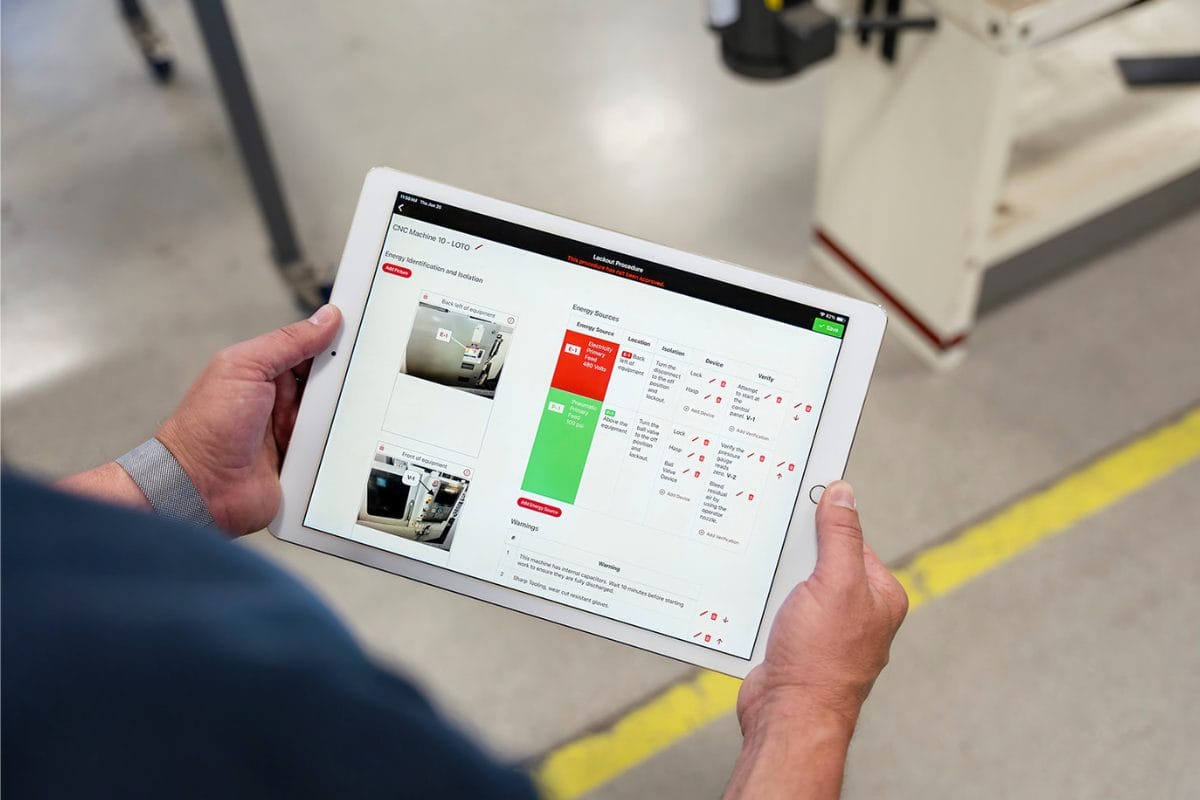
After a LOTO procedure is finished and submitted it is ready for approval. The Authorized User can review the procedure in the mobile app, make any necessary changes, then digitally approve it.

This activates the procedure QR code so that it can be scanned to auto-launch the mobile procedure execution anytime lockout tagout is required.

Can I use the app even if I don’t have WiFi?2025-12-23T09:59:56-04:00

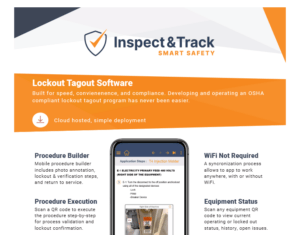
Yes. The Smart Safety Pro Lockout Tagout app is built to work without a WiFi connection and transfers data between the software and the mobile app using a sync process.

Lockout tagout procedures, audits, and updates can be completed anytime, anywhere. This means that you will never be unable to use the lockout tagout app due to a machine being in an area without a WiFi or data connection.

What is the benefit of mobile lockout tagout?2025-12-23T10:33:53-04:00

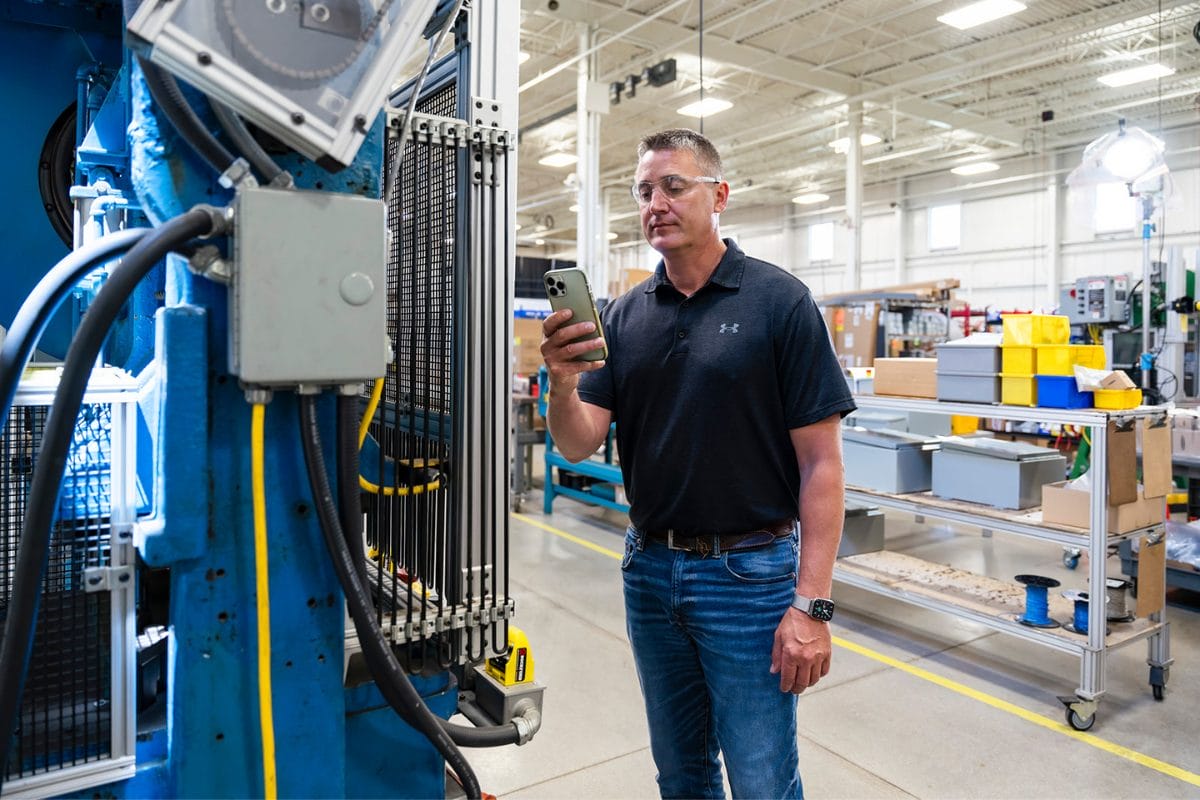
Mobile lockout tagout software offers visibility and insights into machine status that are not possible with a manual lockout tagout program. When a machine is locked out, the authorized employee scans a QR code, views each step of the procedure, and confirms on the screen that the step was completed successfully.

This offers two major benefits. First, it ensures that the procedure is followed correctly and includes documentation validation. Next, it changes the status of the equipment to “locked out”.

The Smart Safety Pro equipment dashboard displays real-time operating status of all equipment so that program managers verify details without walking out to the machine.

From the Blog

Latest Stories & Articles

Our blog offers valuable information about LOTO regulations, LOTO compliance, LOTO program development, LOTO best practices, and LOTO software.

Go to Top